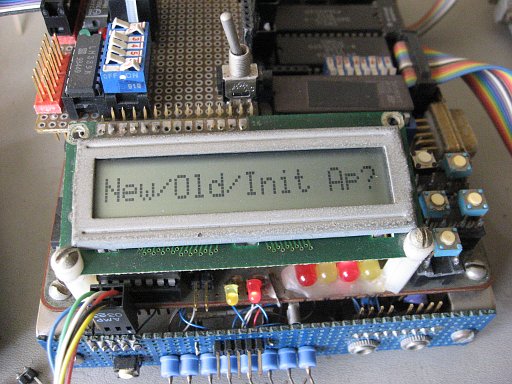
Don't ignore your assembler' more advanced features. Macros especially make assembly code more concise, even hiding the ugly details of conditional assembly based on input parameters or other factors. Since there's no run-time overhead, macros don't slow the execution down like JSR and RTS do, and a macro may be worth defining even if you only use it once. The simple example
Code: Select all
        DISPLAY_IMM    "Press YES key to continue"
        WAIT_FOR_KEY   YESKEY
could display the message and then wait in a loop until the user presses the Yes/Continue key. The first line, "display immediate", indicates that the parameter is the actual string to display and not just an address. It might assemble
Code: Select all
        JSR    DISP_QUOTE
        BYTE   25             ; (the string length)
        BYTE   "Press YES key to continue"
where the first line calls a subroutine, which uses the return address to pick up the next byte which tells how many bytes following make up the string that is to be displayed, gets the string, and advances the return address past the data to the next actual instruction. The WAIT_FOR_KEY line might assemble
Code: Select all
ReScan: JSR    SCAN_KEYPAD
        CMP    #YESKEY
        BNE    ReScan
Suddenly assembly is a higher-level language than you thought. A macro may replace hundreds of lines. A complex piece of code may be much more clear with certain portions pre-defined as macros with descriptive names. A macro's parameter list can be as long as you want, as long as it all fits on one line of usually 255 characters. Most assemblers allow nested macros. The assembler's list code output file shows exactly what got assembled.
Edit, 7/28/12: I put an article on my website about macros, focusing on program structures to get better control of your project. It is posted at http://wilsonminesco.com/StructureMacros/index.html and has accompanying working source code. Here is probably the simplest of the program structures:
Code: Select all
        CMP  #14
        IF_EQ            ; clear enough that it really needs no comments
           <actions>
           <actions>
           <actions>
        END_IF